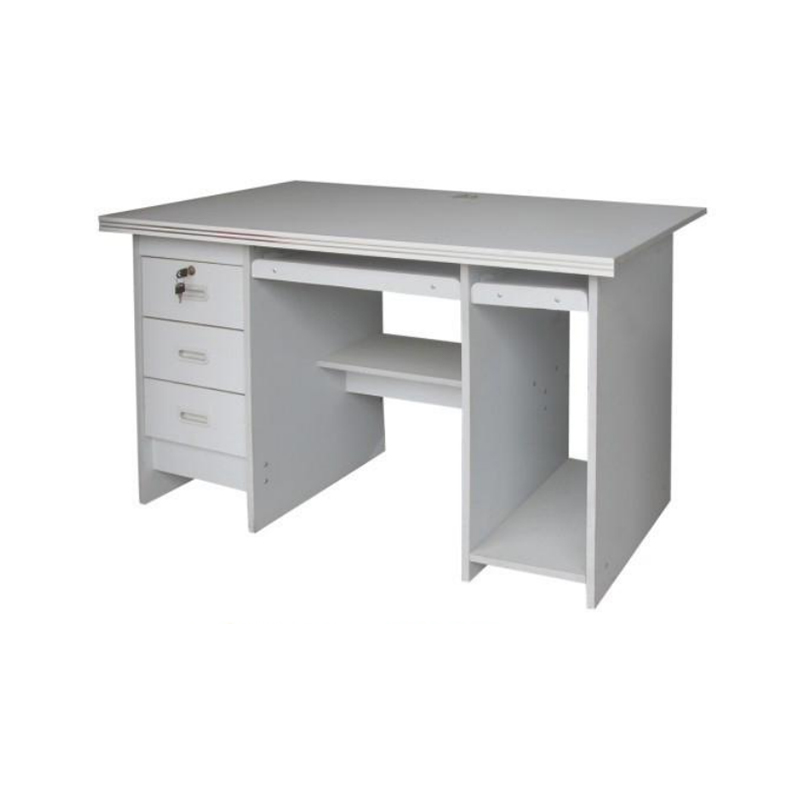
In today’s digital world, a well-organized, functional computer desk is essential for both work and leisure. Whether used for professional tasks, studying, or casual browsing, the computer desk plays a central role in providing an efficient, comfortable, and organized workspace. Understanding common pain points that users face with their desks helps identify how a properly designed computer desk can solve these problems while improving productivity and comfort.
Common User Pain Points
Limited Workspace and Clutter
Many users struggle with limited desk space, which often leads to clutter. This is especially common in home offices, dorm rooms, or shared workspaces, where space is often at a premium. A cluttered desk can be distracting and reduce productivity, making it harder for users to stay organized and focused.
Technology Integration Issues
As technology becomes more advanced, users often need desks that can accommodate multiple devices. However, many desks are not designed to handle the cables, power strips, or multiple monitors that many people now use in their work or home setups. Cable management issues are a common source of frustration, often resulting in tangled wires and a cluttered, disorganized desk area.
Addressing User Needs with the Computer Desk
Maximized Workspace and Organization
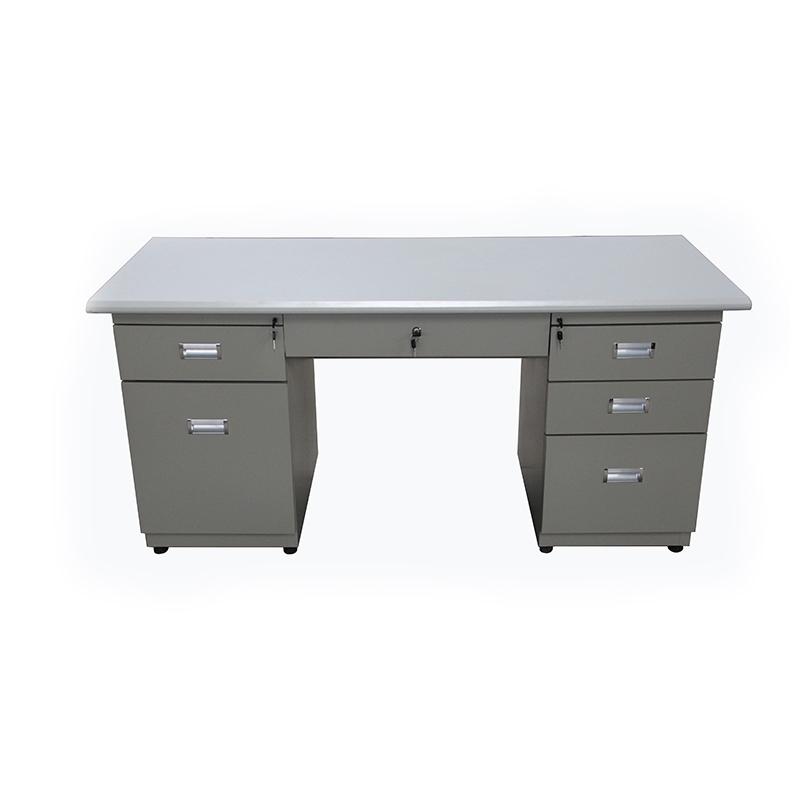
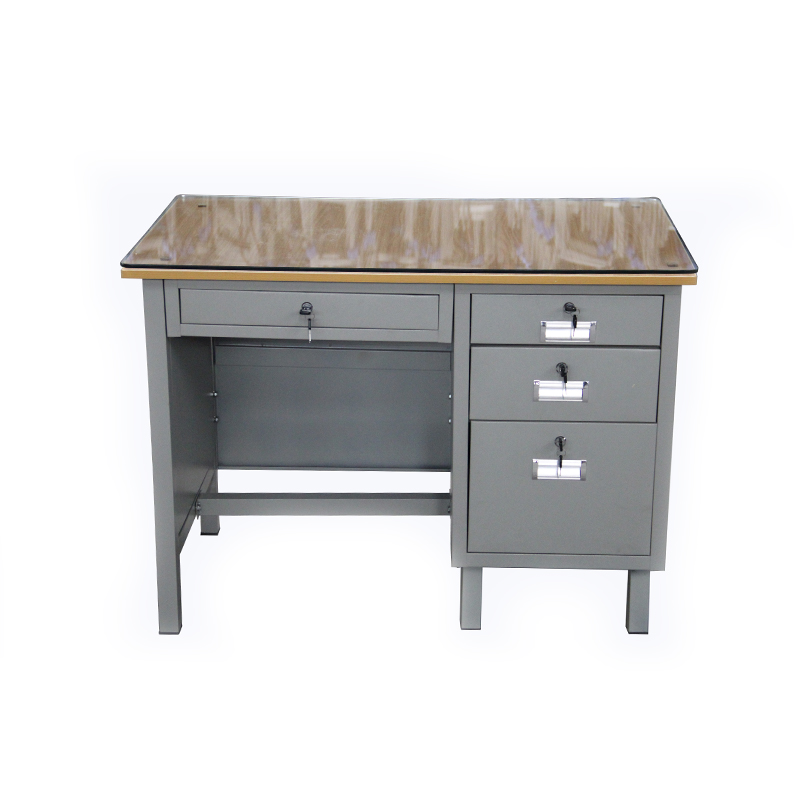
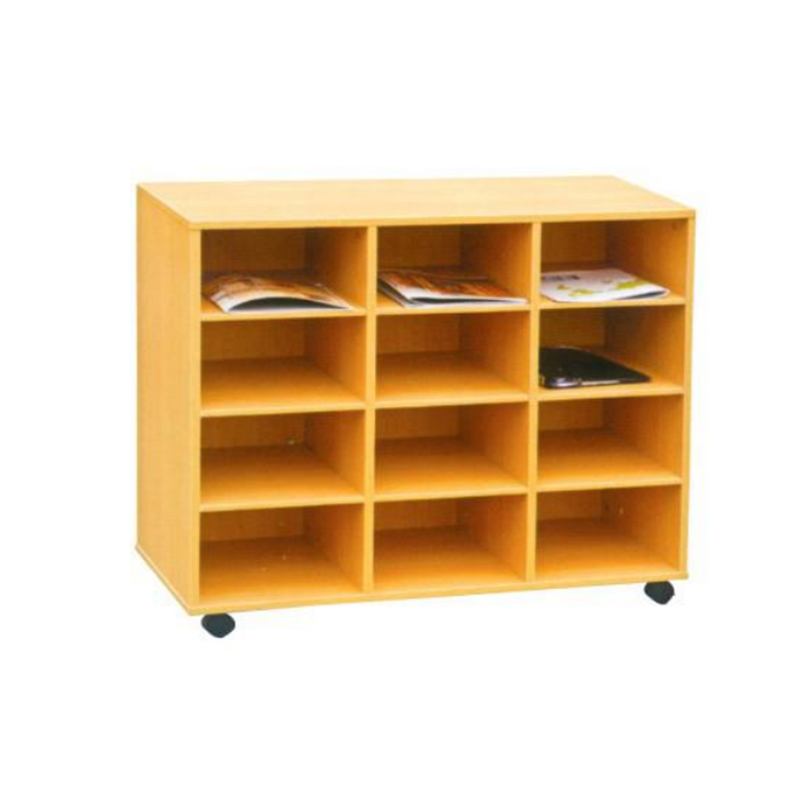
The computer desk is designed with spacious work areas to help reduce clutter. Many models feature large, flat surfaces that provide ample space for not only a computer or laptop but also additional tools like notebooks, printers, or external hard drives. Built-in storage options such as drawers, shelves, and compartments help organize office supplies, reducing clutter and keeping everything in reach. For users who require more specialized storage, many desks feature custom spaces for specific items like books, files, or office equipment, making it easier to keep the workspace tidy.
Ergonomic Design for Comfort
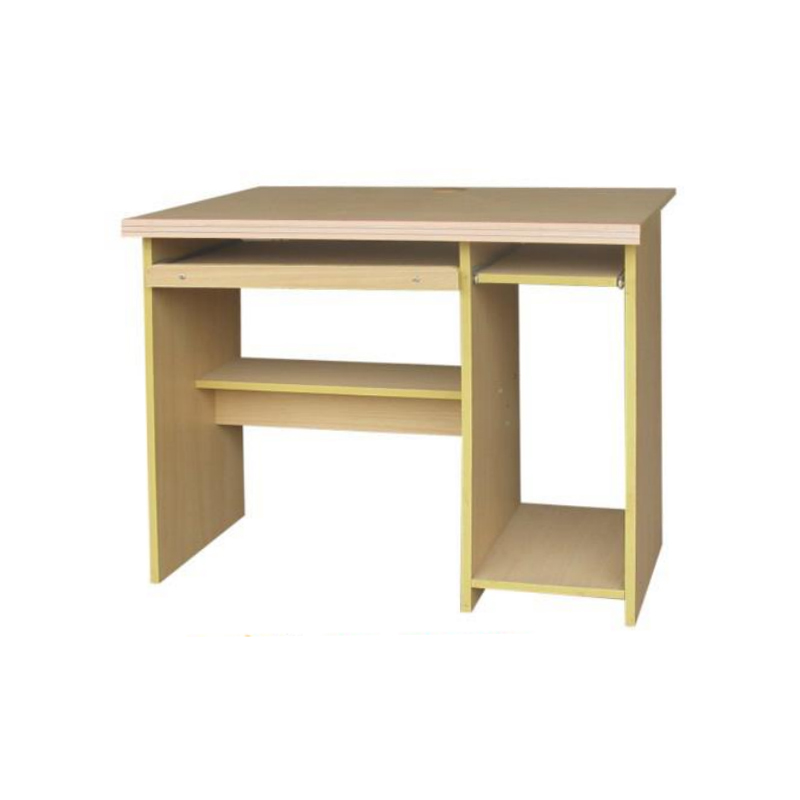
Comfort is a key consideration when choosing a computer desk. Many desks are designed with adjustable height settings, which allows users to find a position that suits their needs, whether for sitting or standing. This flexibility supports better posture and reduces the strain on the body that can result from long hours of sitting. Some desks also feature built-in keyboard trays or adjustable monitor stands, ensuring that the computer setup is at eye level and within arm's reach. These ergonomic features help reduce back pain, neck strain, and eye discomfort, allowing users to work or study for longer periods without feeling fatigued.
Efficient Cable Management
To address the issue of technology integration and clutter, modern computer desks are equipped with advanced cable management systems. Many desks have built-in grommets, trays, or channels where cables can be neatly routed and hidden from sight. This reduces the risk of tangled wires and keeps the workspace looking clean and organized. Some models even include power strips or USB ports integrated directly into the desk, allowing users to charge devices or connect electronics easily without the need for external power sources. This thoughtful design helps create a more functional and streamlined workspace, minimizing distractions caused by messy cables.
Aesthetic Appeal and Versatility
A computer desk doesn’t just need to be functional; it also needs to fit into the user’s environment and style. Available in a variety of materials like wood, metal, and glass, computer desks are designed to complement various home or office decor styles. Whether users prefer a modern, minimalist look or something more traditional, there are options to suit different tastes. The versatility of computer desks also makes them suitable for multiple environments, including home offices, student dorms, or shared workspaces. Their designs can blend seamlessly with other furniture, contributing to a cohesive and stylish overall room appearance.
Durability and Long-Term Investment
Durability is a critical factor in choosing a computer desk, especially for users who plan to use the desk daily over an extended period. High-quality desks made from sturdy materials such as solid wood or metal can withstand the wear and tear of daily use, ensuring longevity. The durability of the desk not only provides peace of mind but also reduces the need for frequent replacements, making it a long-term investment for users who need a reliable workspace.
Product Uses
Home Offices and Remote Work
The computer desk is an essential piece of furniture for anyone working from home. With the rise of remote work, having a dedicated, comfortable workspace is key to productivity. A well-designed desk can help users stay organized and focused, providing enough space for work tools, documents, and technology. Additionally, ergonomic features such as adjustable height and monitor stands contribute to the user’s comfort, enabling them to work for longer periods without discomfort.
Student Workspaces
For students, a computer desk serves as a place to study, research, and complete assignments. The desk’s ample workspace allows students to keep textbooks, laptops, and notebooks within reach. Storage compartments help students stay organized by providing space for files, stationery, and other study materials. The ergonomic features of the desk support healthy study habits, reducing the risk of discomfort during long study sessions.
Shared and Collaborative Spaces
In shared offices, coworking spaces, or collaborative settings, the computer desk serves as a functional and versatile workspace. Desks with multiple storage options allow users to keep their personal items secure and their work area organized. The ability to adjust the desk’s height or layout helps accommodate different work styles and collaborative efforts.
Gaming Setups
For gaming enthusiasts, a computer desk offers a dedicated space to set up gaming equipment, such as monitors, gaming consoles, or PCs. Many desks are designed with extra space for multiple screens, controllers, and other accessories, allowing users to create a personalized gaming station. Cable management systems help keep the area tidy and free from distracting cables.
Metal cabinets continue to play a useful role in workshops and production facilities where organization matters. These sturdy unit...
View MoreThermosetting Chair Designs Combine Strength With Lightweight Structure A thermosetting chair is built from resin that undergoes a...
View MoreWhat Goes Into a Laboratory Table's Construction Surface material is one of the more consequential choices in a Laboratory Table's...
View MoreThe folding chalk board never really disappeared — it just stopped being the only option. Now that classrooms, home offices, and s...
View MoreThe Purpose of File Cabinets in Daily Operations File cabinets provide structured storage for paper records, folders, and related ...
View MoreA computer desk is an essential piece of furniture for modern work and study environments. Designed to support desktop computers, laptops, and other digital devices, computer desks provide a stable and organized workspace for home offices, classrooms, and professional settings.
Unlike standard tables, computer desks include features tailored to digital work, such as keyboard trays, cable management systems, and storage compartments. These features improve ergonomics, enhance organization, and help users maintain an efficient workspace.
Computer desks are built with durable materials such as wood, metal, or laminated surfaces. Sturdy frames support the weight of computers, monitors, and other devices while ensuring long-term usability.
Many computer desks include adjustable keyboard trays, monitor stands, or height options to support comfortable posture. Proper ergonomics can reduce strain during extended use.
Storage solutions such as drawers, shelves, or compartments help keep office supplies, documents, and accessories organized. Efficient storage reduces clutter and enhances productivity.
Built-in cable trays, holes, or guides help manage cords and wires, keeping the workspace tidy and reducing potential hazards from tangled cables.
Computer desks provide ample work surfaces for monitors, laptops, writing, and other tasks. Some designs include multi-level shelving to separate different items effectively.
Compact desks are suitable for small rooms, while larger desks can accommodate multiple devices or dual monitors. Designs such as corner desks or L-shaped desks optimize space in various room layouts.
A basic desk with a flat surface for a computer and optional storage. Suitable for home offices or classrooms.
Designed to fit corners or larger workspaces. L-shaped desks provide more surface area and separate zones for different tasks.
Height-adjustable desks allow users to alternate between sitting and standing positions. These desks support ergonomic comfort and flexibility.
Small desks designed for limited spaces. Compact desks provide essential functionality without occupying excessive room.
Larger desks with multiple drawers and extended work surfaces. Ideal for professional offices or extensive work requirements.
Desks designed for gaming or intensive computer use often include extra shelving, monitor stands, or cable management features to accommodate specialized setups.
Measure available space before selecting a desk. Ensure there is enough room for movement and additional furniture.
Choose materials that are durable and easy to clean. Metal frames, laminated wood, or engineered wood surfaces are popular for their balance of strength and aesthetics.
Evaluate how much storage is necessary for documents, accessories, and devices. Desks with drawers or shelves help maintain an organized workspace.
Consider the number of monitors, computers, or peripherals that will be used. Larger desks with extended surfaces are suitable for multiple devices.
Look for desks that allow comfortable placement of keyboards, monitors, and chairs. Adjustable desks or desks with keyboard trays support healthy posture.
Select a design and color that complements the surrounding decor. Computer desks are available in modern, small, traditional, and industrial styles.
| Feature | Standard Desk | L-Shaped Desk | Adjustable Desk | Compact Desk | Executive Desk |
| Surface Area | Moderate | Large | Moderate | Small | Large |
| Storage | Optional | Moderate | Optional | Small | Extensive |
| Space Efficiency | Standard | Corner optimized | Flexible | High | Standard |
| Ergonomic Support | Basic | Basic | Adjustable | Basic | Moderate |
| Ideal Use | General computing | Multi-task or corner rooms | Flexible work setup | Limited space | Professional office |
Computer desks provide functional and organized workspaces for a variety of settings. With designs that support ergonomics, storage, and device management, these desks enhance productivity and comfort for students, professionals, and home users. Selecting the right computer desk involves considering room size, storage needs, device requirements, and ergonomic features.
 School Computer Desk Company


 русский
 عربى
عربى
 Español